Add a ribbon layer to a ggplot object.
Usage
addRibbon(
  data = NULL,
  metaData = NULL,
  x = NULL,
  ymin = NULL,
  ymax = NULL,
  caption = NULL,
  fill = NULL,
  color = NULL,
  size = NULL,
  linetype = NULL,
  alpha = NULL,
  dataMapping = NULL,
  plotConfiguration = NULL,
  plotObject = NULL
)
Arguments
- data
A data.frame to use for plot.
- metaData
A named list of information about
datasuch as thedimensionandunitof its variables.- x
Numeric values to plot along the
xaxis. Only used instead ofdataifdataisNULL.- ymin
Numeric values to plot along the
yaxis. Only used instead ofdataifdataisNULL.- ymax
Numeric values to plot along the
yaxis. Only used instead ofdataifdataisNULL.- caption
Optional character values defining the legend captions of the plot.
- fill
Optional character values defining the colors of the plot layer. See
grDevices::colors()to get names of colors- color
Optional character values defining the colors of the plot layer. See
grDevices::colors()to get names of colors- size
Optional numeric values defining the size of the plot layer.
- linetype
Optional character values defining the linetype of the plot layer. See enum
Linetypesto get names of linetype.- alpha
Numeric value between 0 and 1 corresponding to transparency of the ribbon. The closer to 0, the more transparent the ribbon is. The closer to 1, the more opaque the ribbon is.
- dataMapping
A
RangeDataMappingobject mappingx,ymin,ymaxand aesthetic groups to their variable names ofdata.- plotConfiguration
An optional
PlotConfigurationobject defining labels, grid, background and watermark.- plotObject
An optional
ggplotobject on which to add the plot layer
References
For examples, see: https://www.open-systems-pharmacology.org/TLF-Library/articles/atom-plots.html
See also
Other atom plots:
addErrorbar(),
addLine(),
addScatter(),
initializePlot()
Examples
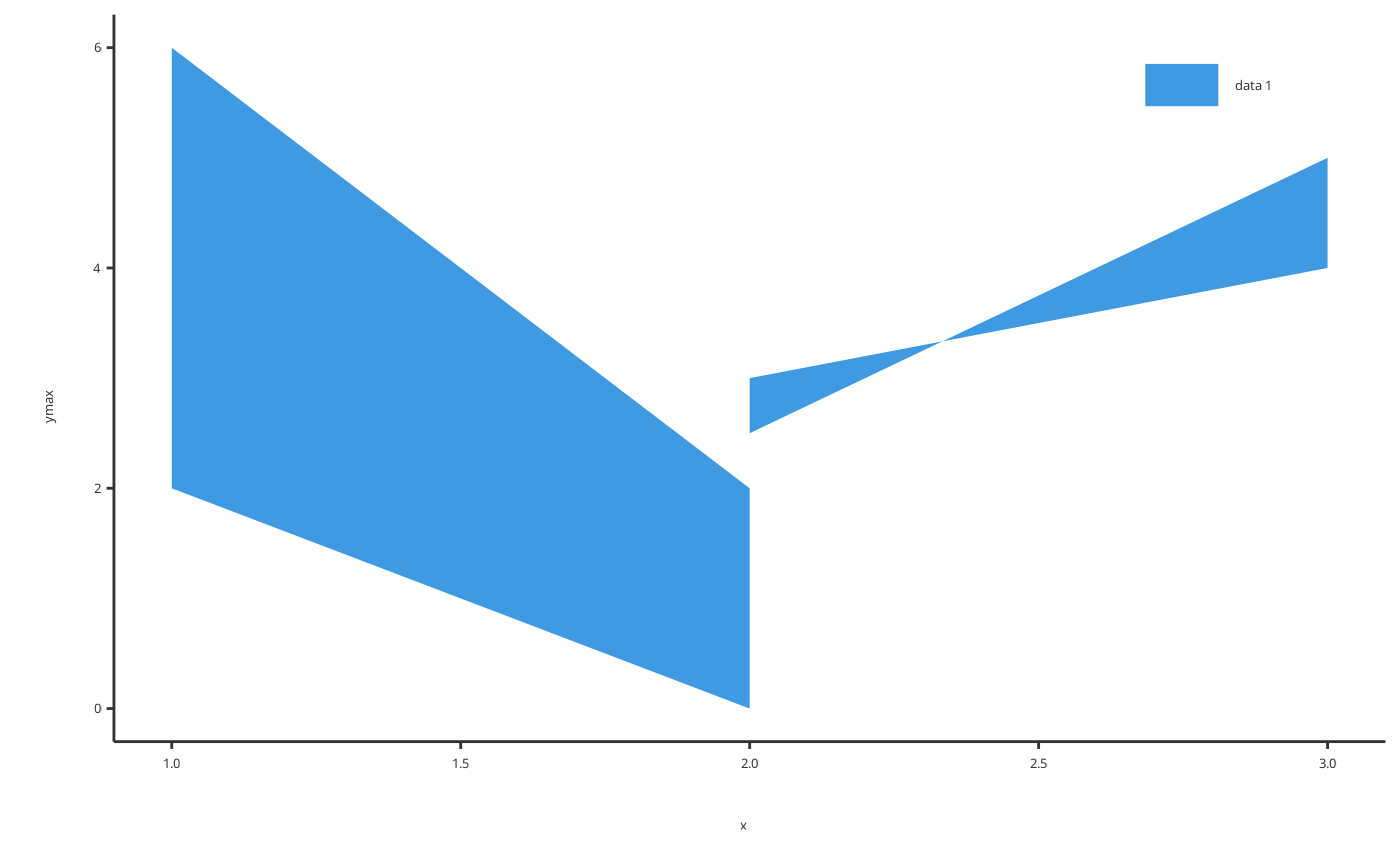
# Add ribbon using x, ymin and ymax
addRibbon(
x = c(1, 2, 1, 2, 3),
ymin = c(5, 0, 2, 3, 4),
ymax = c(6, 2, 6, 2.5, 5)
)
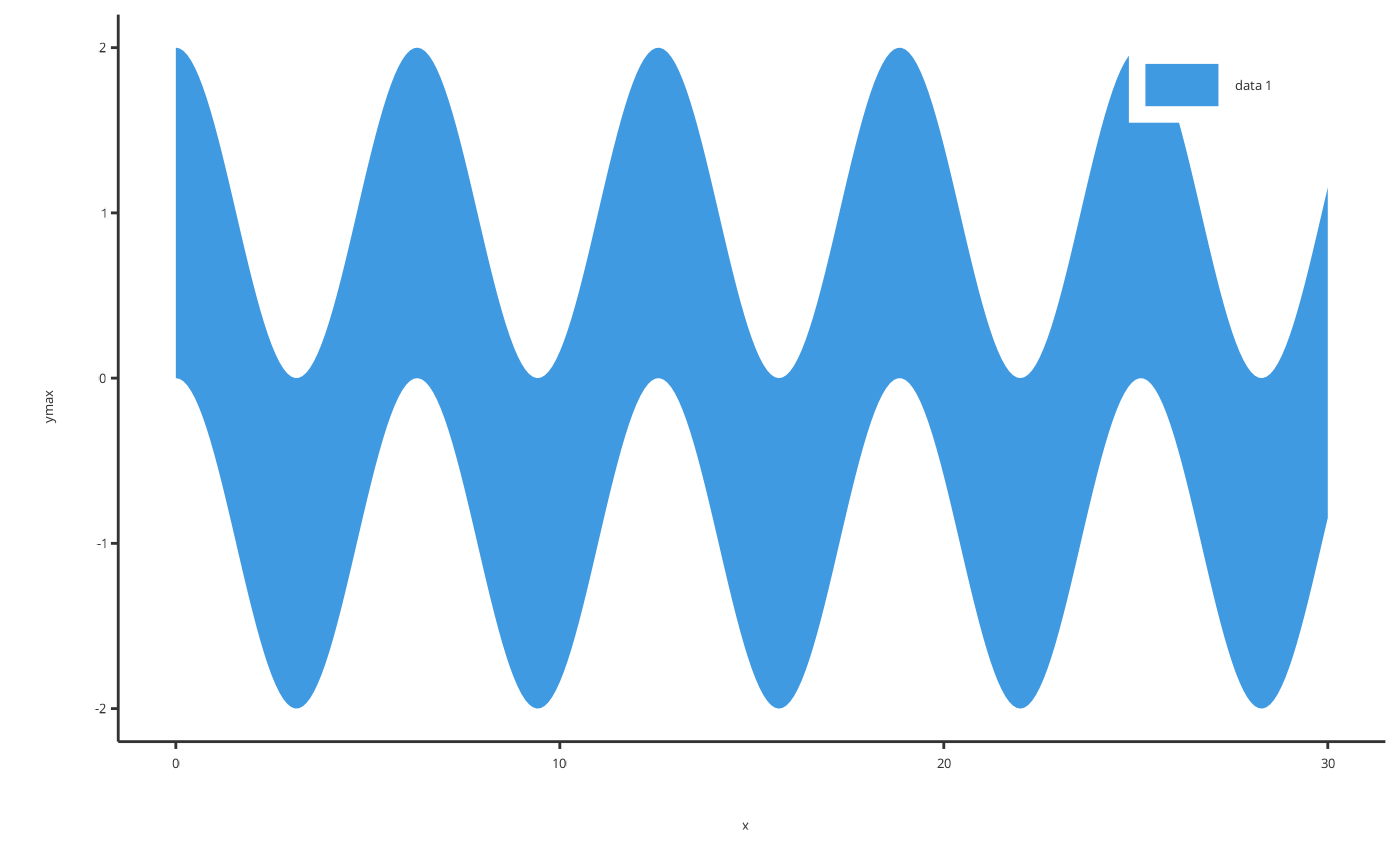
 # Add ribbon using a data.frame
time <- seq(0, 30, 0.1)
ribbonData <- data.frame(x = time, ymin = cos(time) - 1, ymax = cos(time) + 1)
addRibbon(
data = ribbonData,
dataMapping = RangeDataMapping$new(x = "x", ymin = "ymin", ymax = "ymax")
)
# Add ribbon using a data.frame
time <- seq(0, 30, 0.1)
ribbonData <- data.frame(x = time, ymin = cos(time) - 1, ymax = cos(time) + 1)
addRibbon(
data = ribbonData,
dataMapping = RangeDataMapping$new(x = "x", ymin = "ymin", ymax = "ymax")
)
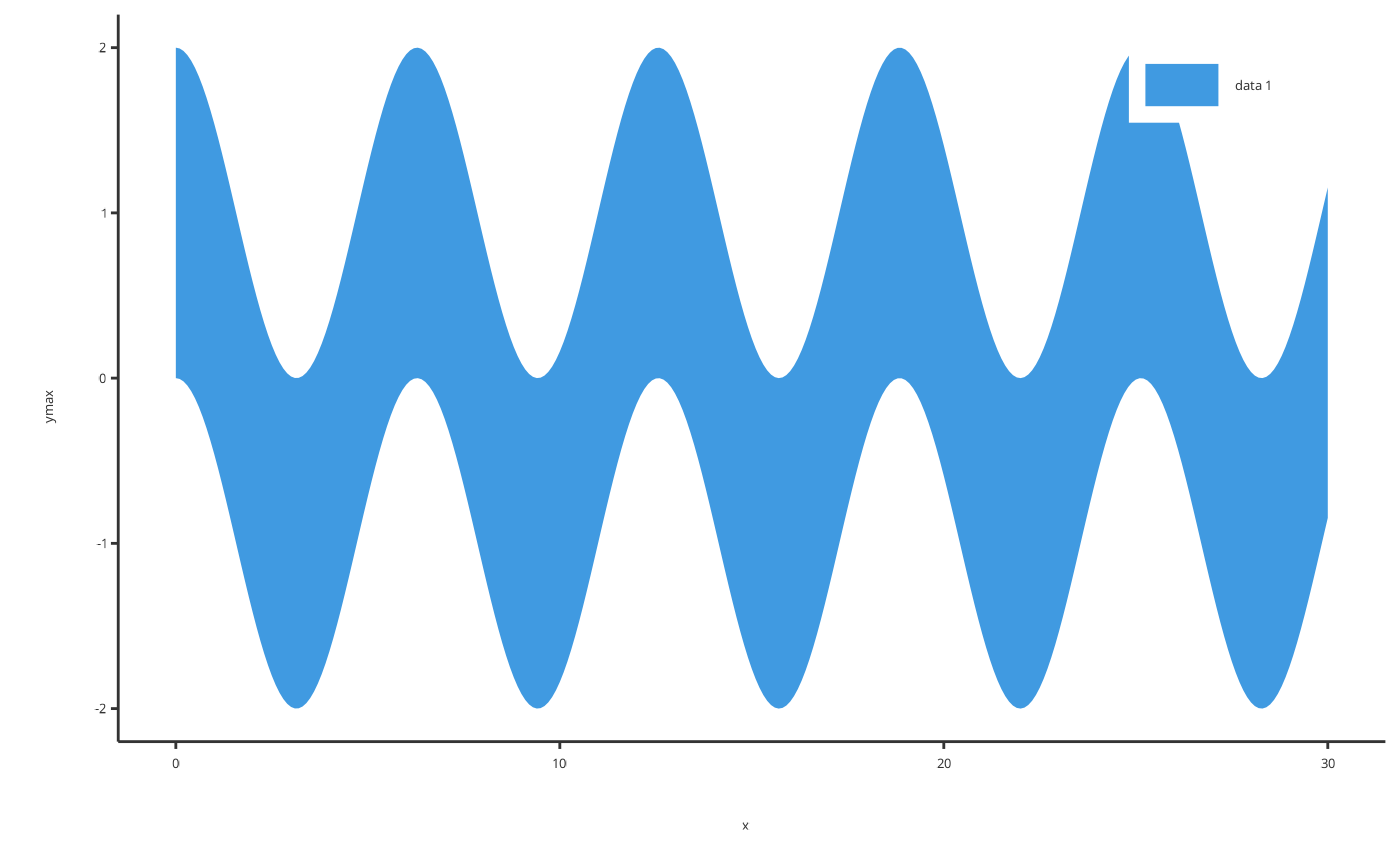 # Or for simple cases a smart mapping will get directly x, ymin and ymax from data
addRibbon(data = ribbonData)
# Or for simple cases a smart mapping will get directly x, ymin and ymax from data
addRibbon(data = ribbonData)
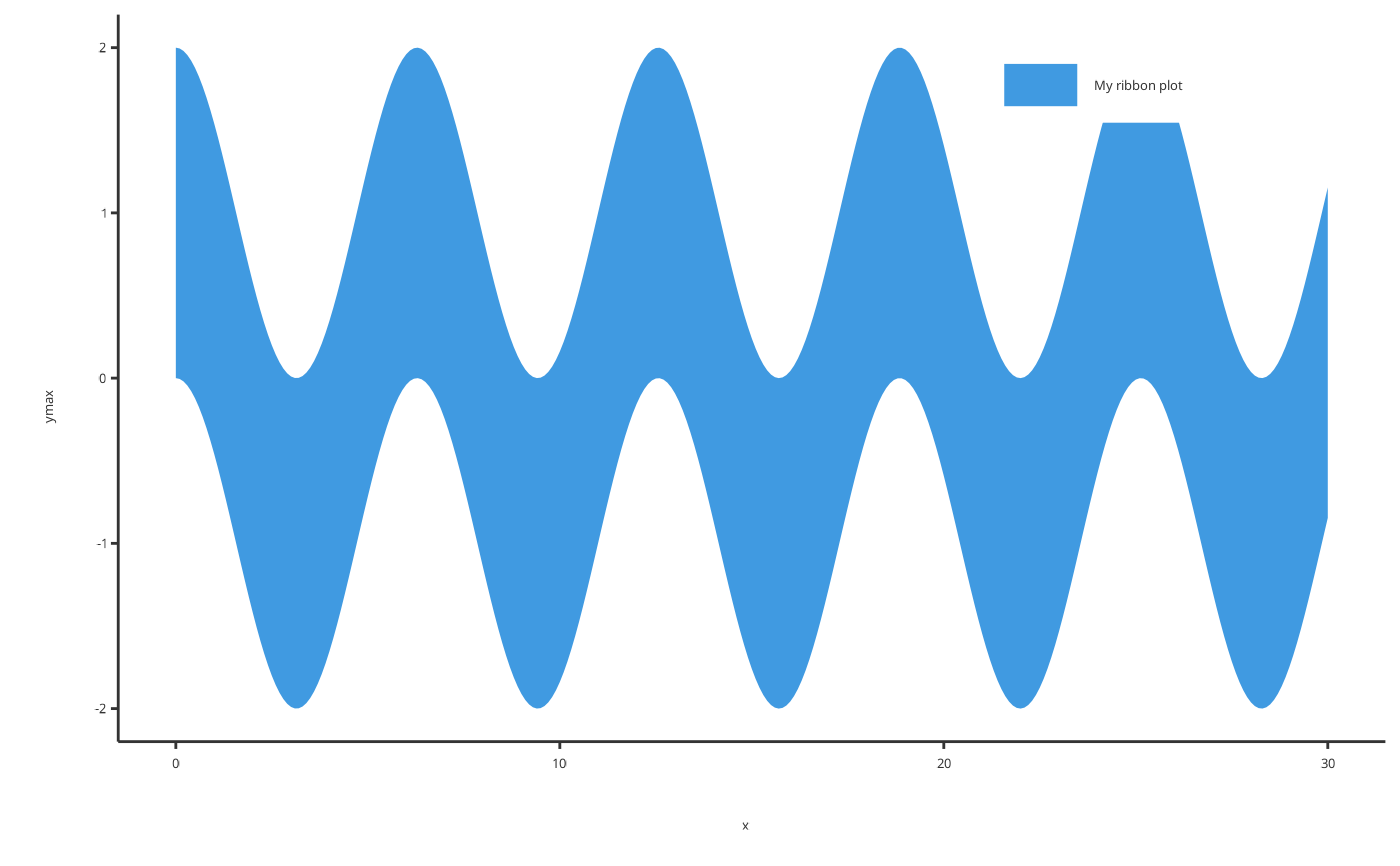
 # Add a ribbon with caption
addRibbon(data = ribbonData, caption = "My ribbon plot")
# Add a ribbon with caption
addRibbon(data = ribbonData, caption = "My ribbon plot")
 # Add a ribbon with specific properties
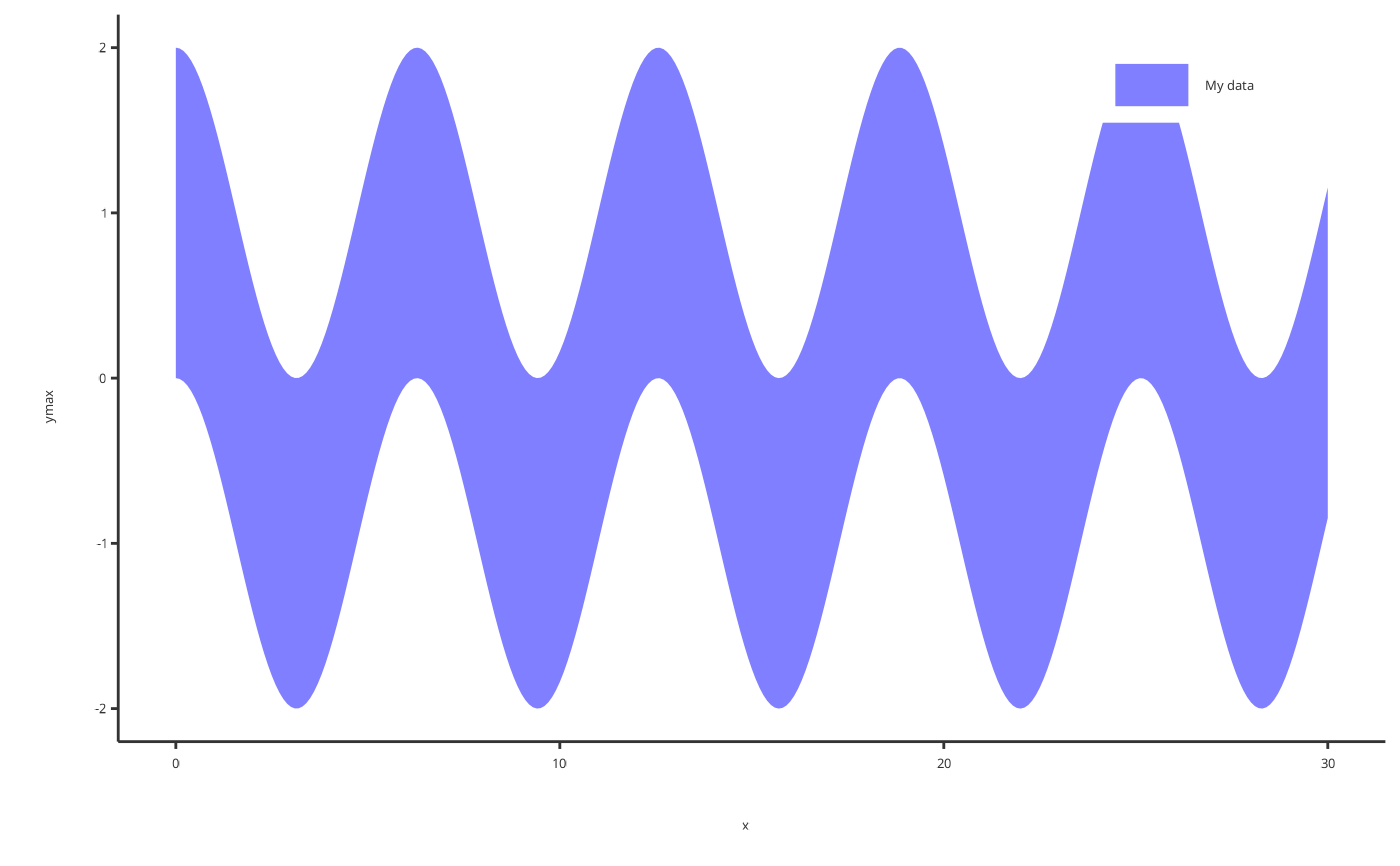
addRibbon(data = ribbonData, fill = "blue", alpha = 0.5, caption = "My data")
# Add a ribbon with specific properties
addRibbon(data = ribbonData, fill = "blue", alpha = 0.5, caption = "My data")
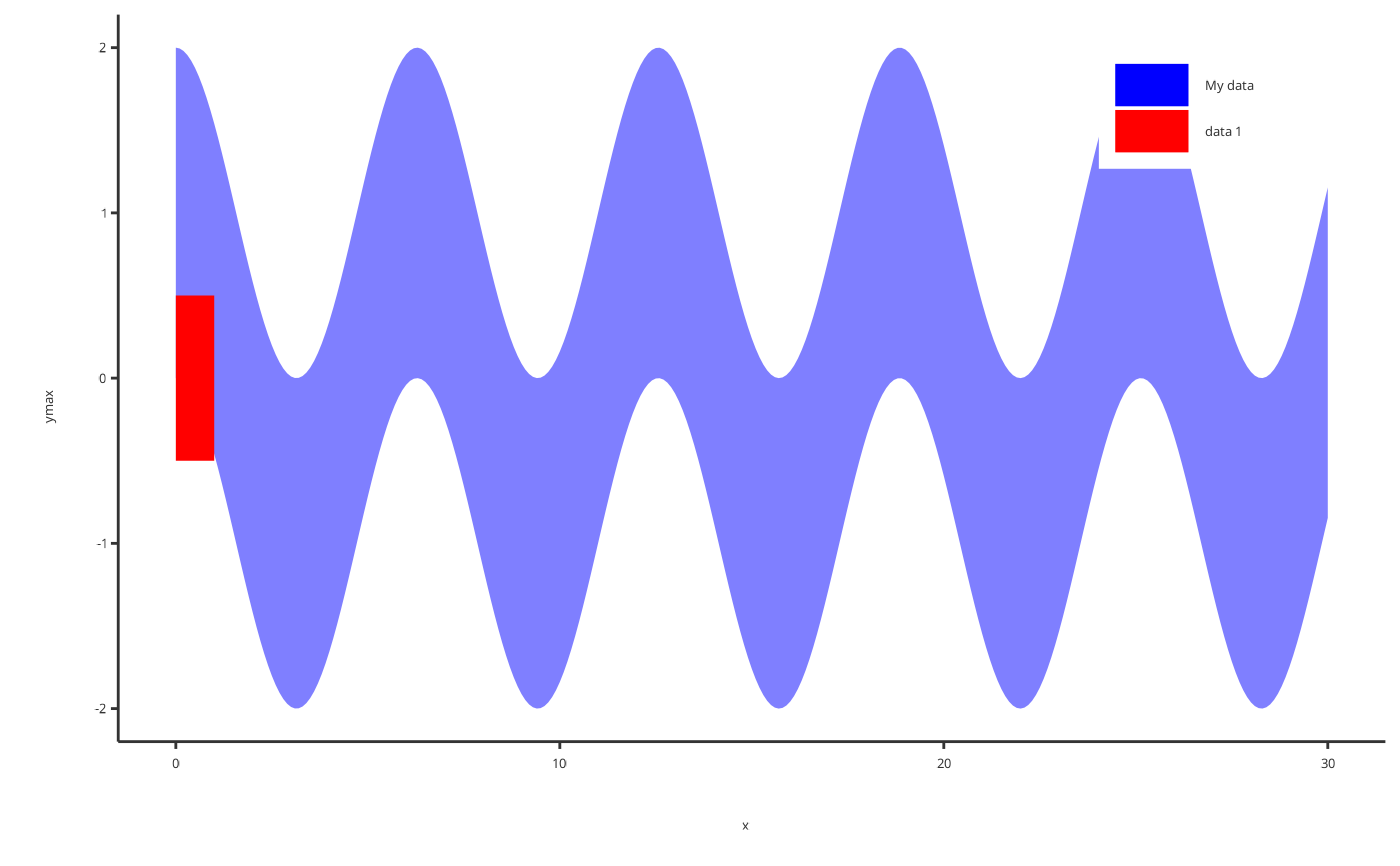
 # Add a ribbon with specific properties
p <- addRibbon(data = ribbonData, fill = "blue", alpha = 0.5, caption = "My data")
addRibbon(
x = c(0, 1), ymin = c(-0.5, -0.5), ymax = c(0.5, 0.5),
fill = "red", alpha = 1,
plotObject = p
)
# Add a ribbon with specific properties
p <- addRibbon(data = ribbonData, fill = "blue", alpha = 0.5, caption = "My data")
addRibbon(
x = c(0, 1), ymin = c(-0.5, -0.5), ymax = c(0.5, 0.5),
fill = "red", alpha = 1,
plotObject = p
)